
Get the source
Check version and requirements on the download page, then get the source from GitHub.
Get the source →From content collection and playback to members and plugins, manage your video site in one system. Built with Laravel. Open source and self-hosted.
GitHub Read the docs Admin demo
Using V10? Read the migration notes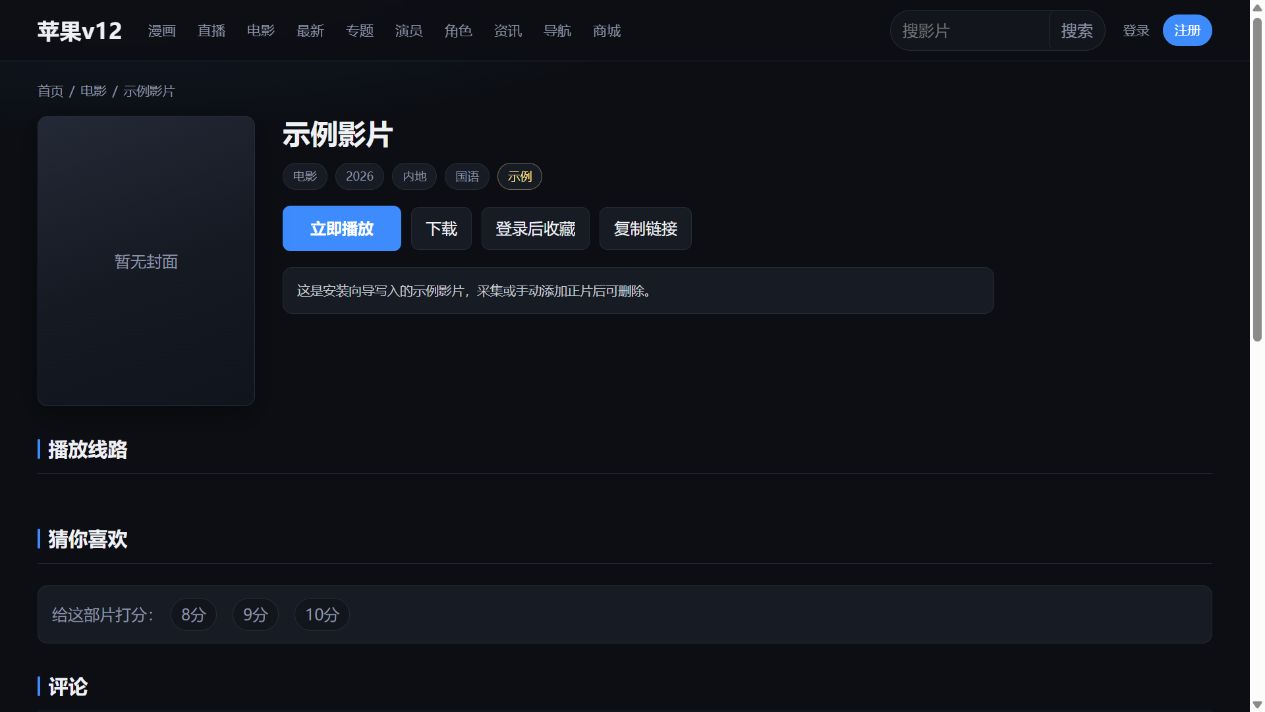 Open live demo ↗
Manage ingestion, content, players, and members together. Start with the core workflow, then extend it.
Browse categories, search titles, and open detail and playback pages.
Catalog admin Videos, types, topics, actorsSign in to the demo admin to see it.
Collect Ingest from feed APIsAdmin shows collect progress. Routine updates use the scheduler.
Sources Multiple sources and playback linesPlayers are configured in admin. Danmaku can be turned off.
Members Sign-up, favorites, points, VIPManage profiles, favorites, and points. Add payments through a plugin.
Plugins Comics, novels, live TV, payEnable independent content modules and operations tools in admin.
Keep a focused video core and enable content or service plugins as needed.
Explore all plugins →Check version and requirements on the download page, then get the source from GitHub.
Get the source →Docker, the install script, or the web wizard. SQLite is enough to try it; use MySQL for production.
Choose an install method →PHP 8.4+ is required. Document root, rewrite, and the scheduler are in the system docs, with Baota screenshots.
Deployment guide →V12 is a Laravel rewrite. Folders, template syntax, and tables differ from V10. Unzipping over the old directory does not upgrade it.
V12 uses new database tables and Blade templates. The repository has no automatic V10 database import command; existing themes require adaptation.
Re-collecting creates new video records. It does not migrate members, orders, favorites, or history.
Find your next step, from first installation to theme development. Share your experience with the community.
First run, and what each admin section does.
Where front files live, and how tags are written.
Environment, rewrite, scheduler, script, and Docker.
Ask questions, discuss configuration, and share your experience.